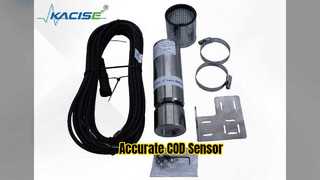
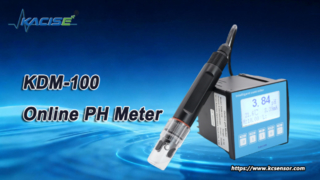
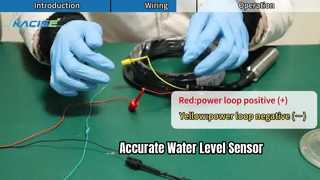
Brief: Let’s dive in — see this solution in action and notice the key moments. This video provides a step-by-step walkthrough of the calibration process for the KWS-100 Series Online COD Sensor. You'll learn how to perform multi-point calibration, configure settings via RS485, and utilize the automatic turbidity compensation feature for accurate water quality monitoring.
Related Product Features:
Stainless steel housing provides high strength and excellent corrosion resistance for long-term durability.
Reagent-free operation ensures eco-friendly, pollution-free water quality monitoring.
Automatic turbidity compensation eliminates interference from suspended solids for reliable COD readings.
Built-in automatic cleaning function significantly reduces maintenance requirements and operational costs.
Direct RS485 interface allows seamless integration with computers, PLCs, and IoT systems.
Configurable settings via RS485 include slave address, baud rate, calibration, and factory reset options.
Supports multi-point calibration with up to 5 points for enhanced measurement accuracy.
IP68 protection rating ensures reliable performance in demanding environmental conditions.
FAQs:
What is the measuring range of the KWS-190 Digital COD Sensor?
The sensor offers two standard measuring ranges: 0-500mg/L and 0-1500mg/L, both customizable to meet specific application requirements.
How does the automatic turbidity compensation work?
The sensor automatically compensates for turbidity interference up to 1000NTU, ensuring accurate COD measurements by eliminating errors caused by suspended solids in water samples.
What communication interface does this COD sensor support?
It features a direct RS485 interface with MODBUS protocol support, enabling easy integration with computers, PLCs, and various IoT monitoring systems.
Is calibration required for this sensor and how is it performed?
Yes, calibration is essential for accuracy. The sensor supports multi-point calibration (up to 5 points) which can be configured through the RS485 interface, as demonstrated in our calibration video.